In development
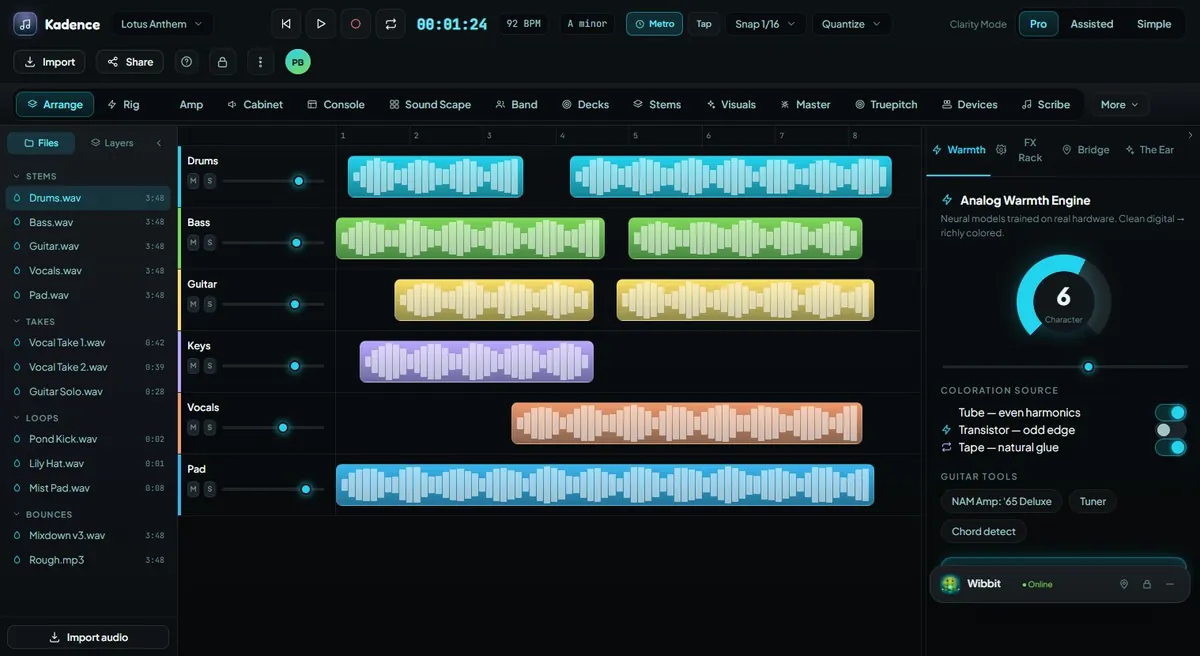
Arrange
Build songs and sessions with sections, markers, tempo/key maps, track layouts, clip lanes, and a structure creators can actually follow.
Explore this feature →Studio Mode brings the familiar pieces of music production together — timeline, mixer, editor, instruments, guitar rig, pitch repair, mastering, and project organization — while giving the creator a guided workflow that can explain, assist, and protect.
Workflow
A practical path through the way this mode supports real creators.
Begin with a song, session, imported audio, MIDI idea, lyric draft, loop, riff, or Session Pal prompt.
Use Arrange to structure sections, markers, tempo maps, key maps, and track layouts.
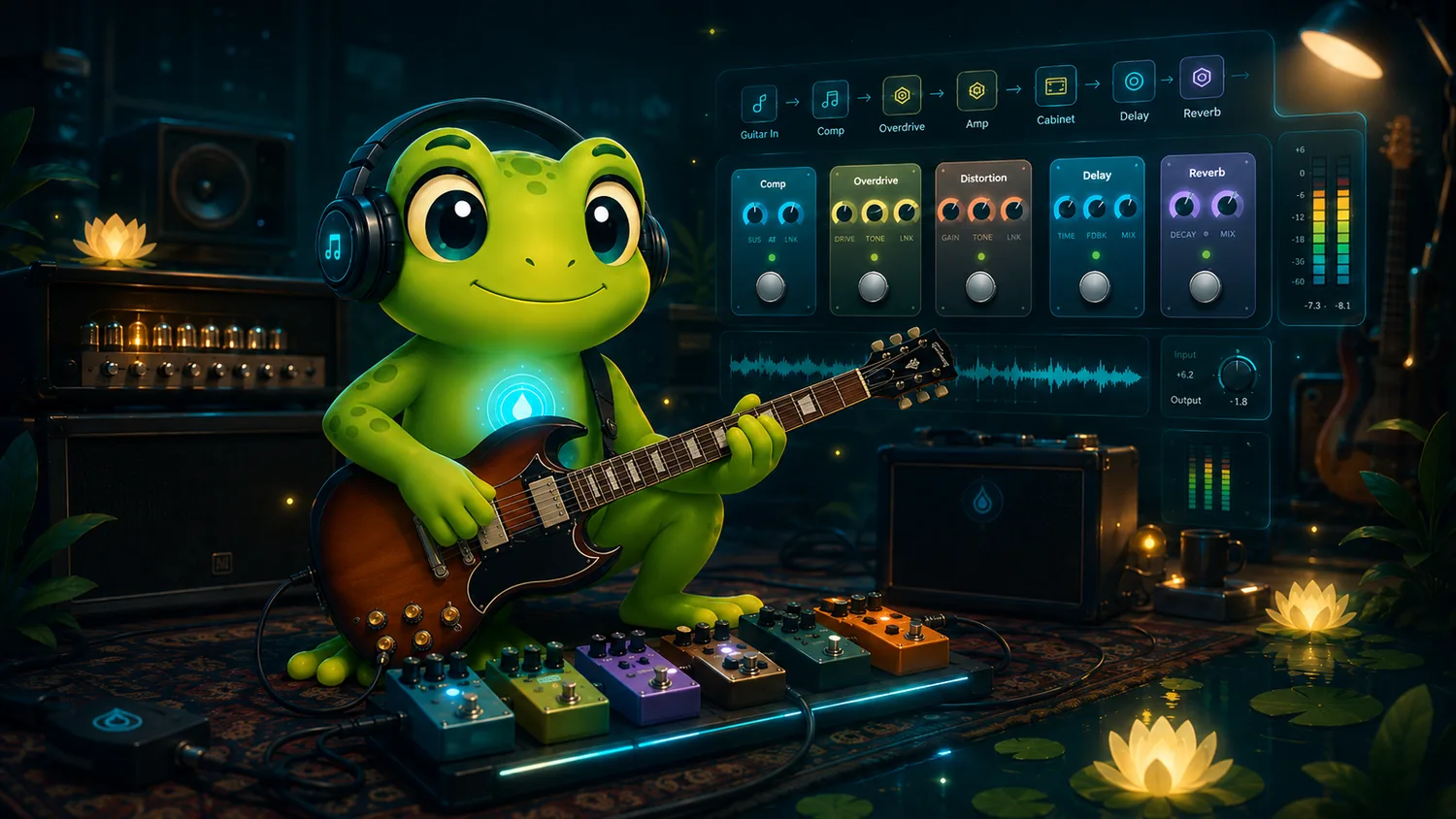
Use Rig, Pedal Workshop, Amp Room, Sound Scape, Truepitch, Clean Take, and Find Pocket.
Use Console, The Ear, Final Bloom, export tools, project history, and ClearWater visibility.
Connected Features
Each major capability links to its own page with workflow, screenshots, Wibbit assistance, ClearWater, and PondGuard notes.
Build songs and sessions with sections, markers, tempo/key maps, track layouts, clip lanes, and a structure creators can actually follow.
Explore this feature →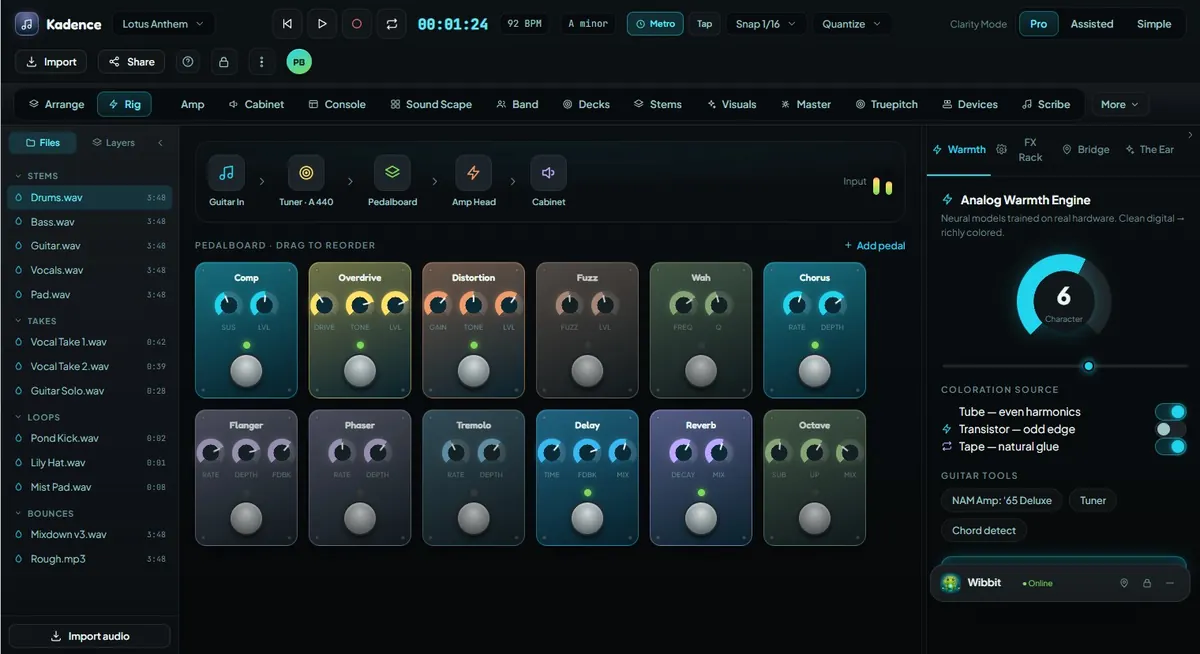
Shape guitar tone with pedal chains, amp-room direction, cabinet workflows, presets, and musician-first signal control.
Explore this feature →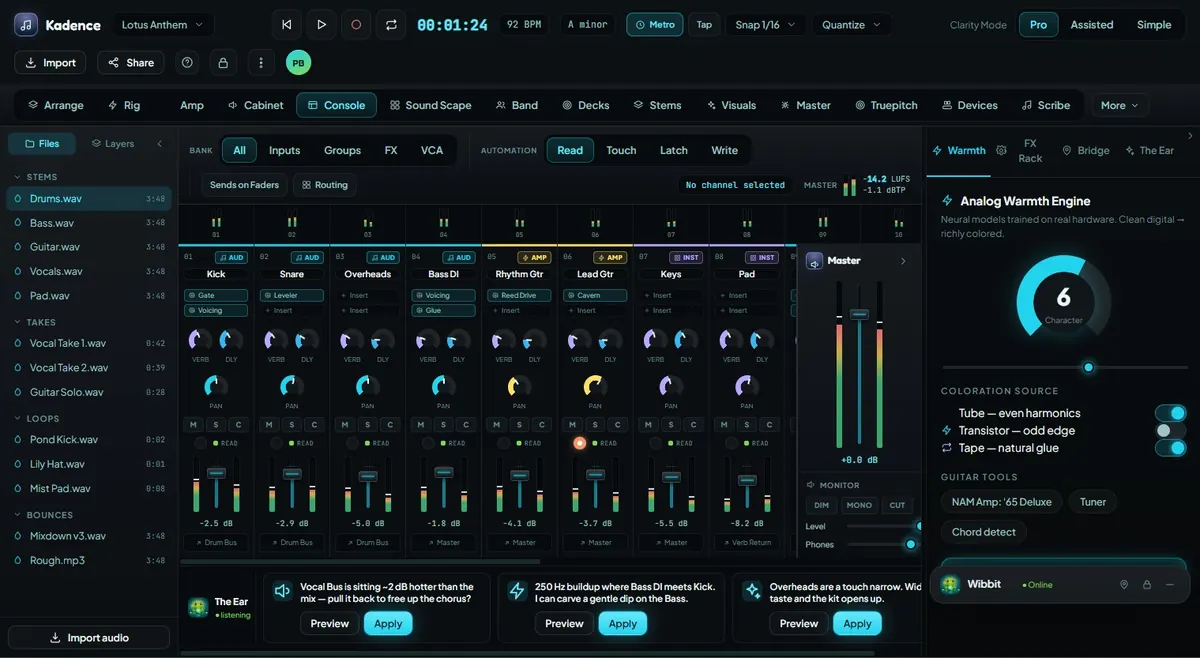
Mix with channel strips, routing, meters, buses, master controls, Wibbit-powered guidance, and visible decision support.
Explore this feature →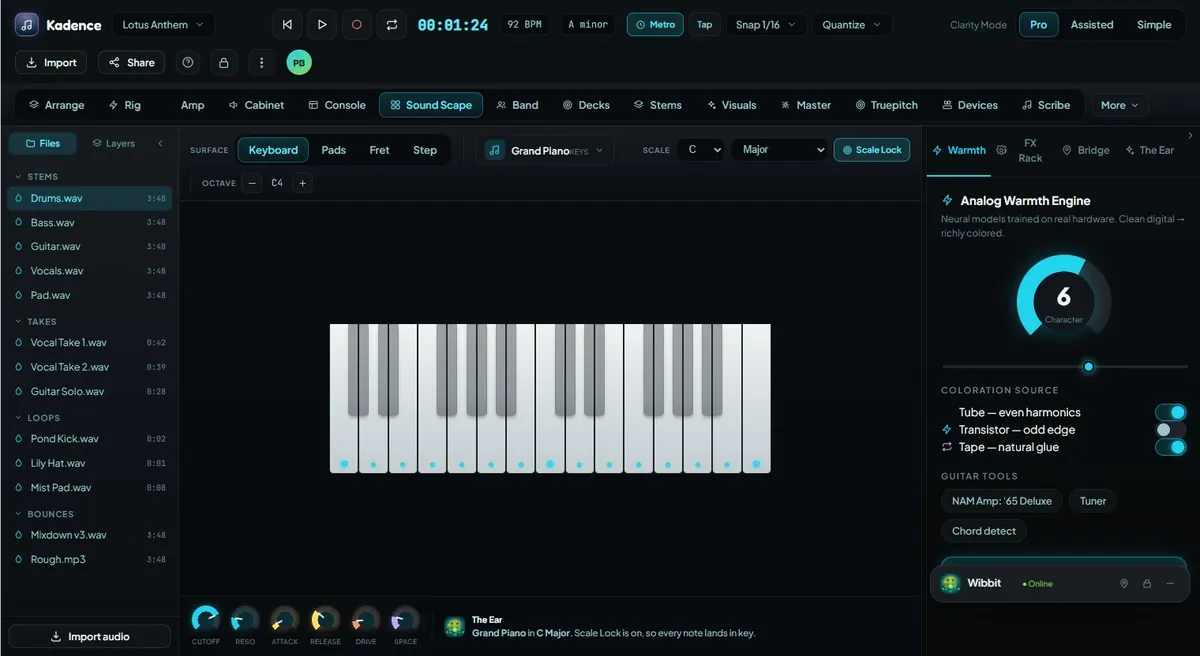
Explore instruments through keyboard, pads, frets, step grid, scale lock, chord help, MIDI mapping, and creative surfaces.
Explore this feature →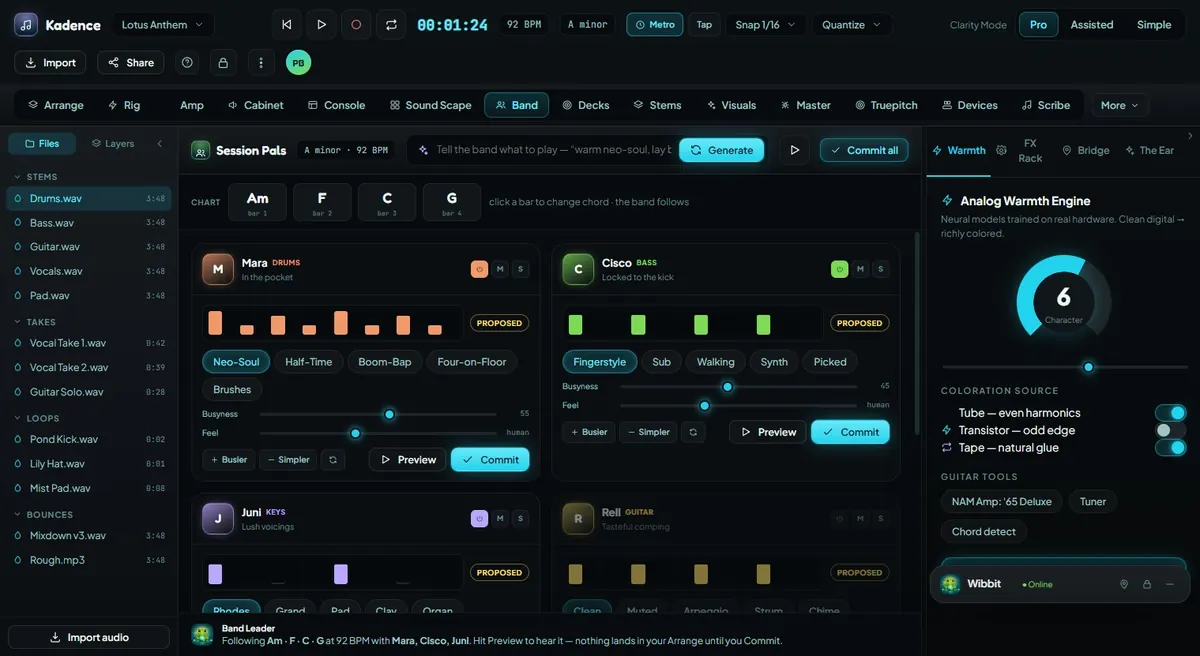
Tasteful AI collaborators who propose parts, audition ideas, follow the song, and let the creator decide what gets committed.
Explore this feature →
Natural-language mixing guidance that helps creators say what they hear and find the right move.
Explore this feature →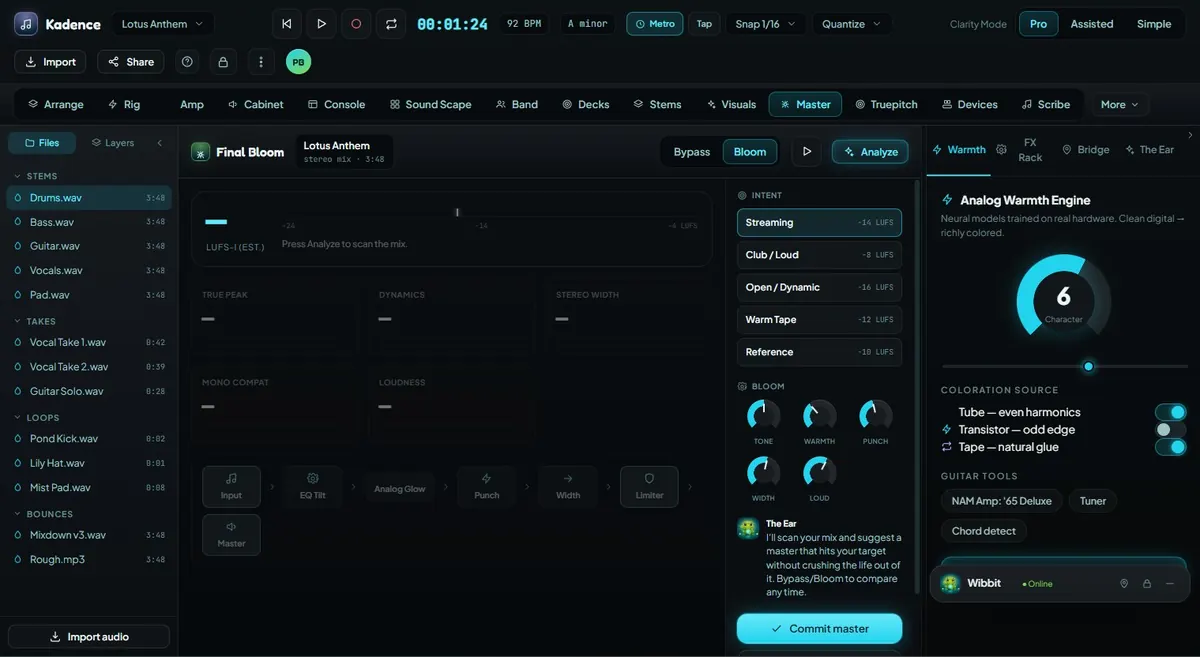
Prepare final polish with mastering plans, bus/track review, loudness direction, export checks, and creator approval.
Explore this feature →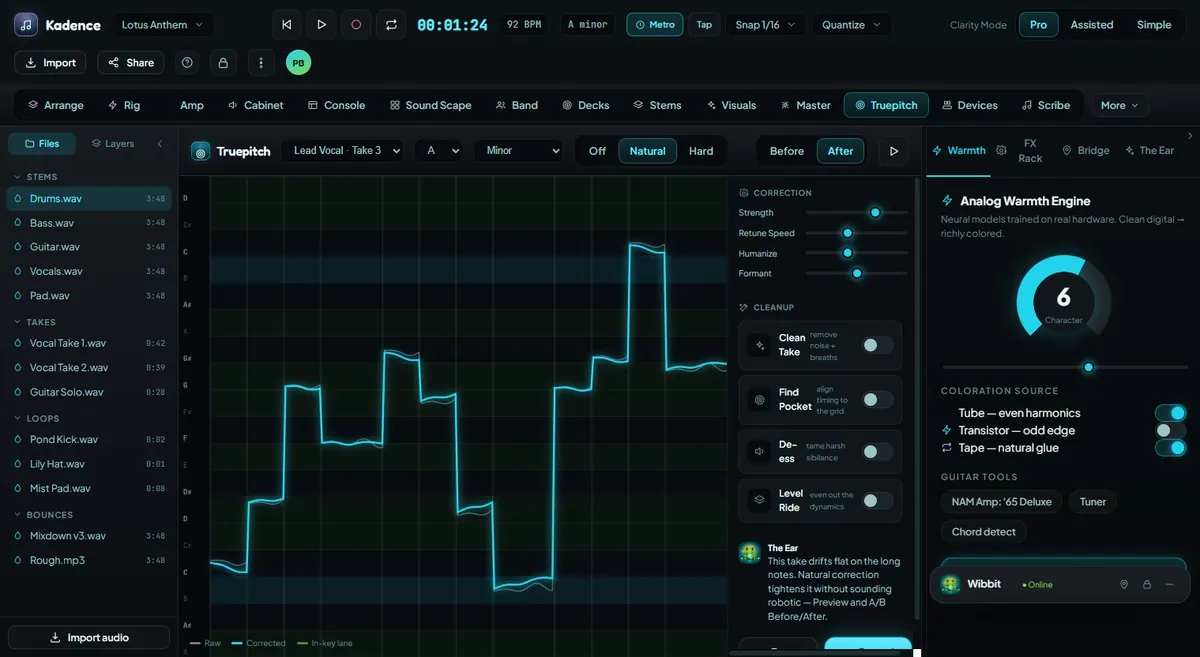
Repair pitch naturally while preserving the emotion, timing, and human character of the original performance.
Explore this feature →Screenshots
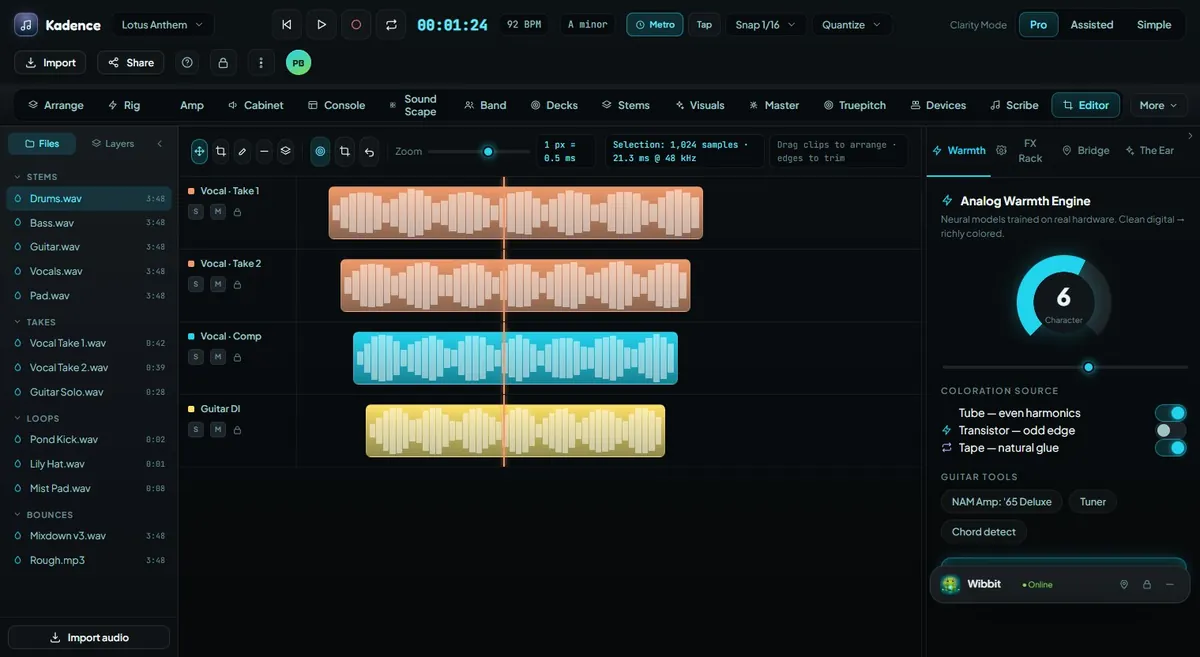
These are pre-release interface previews and may change before public release.