In development
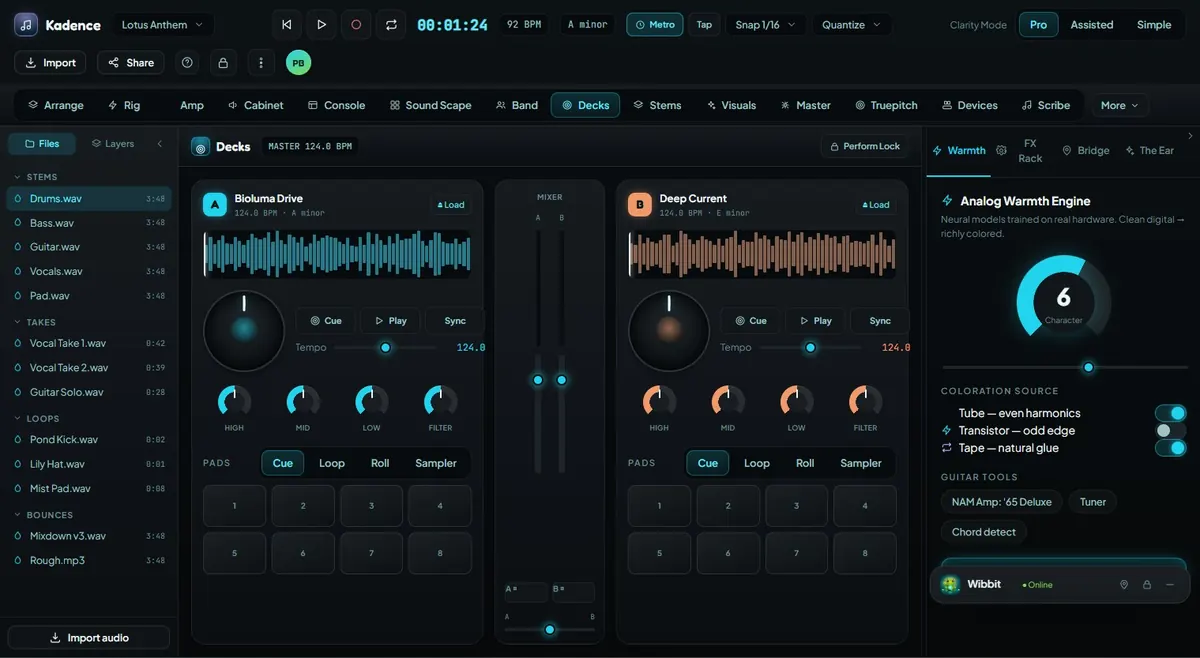
Decks
Perform with deck A/B, cue banks, waveforms, key/BPM awareness, pads, crate browsing, stem controls, and safe live workflows.
Explore this feature →Performance Mode turns Kadence into a live creative cockpit with decks, loops, cue banks, stems, crossfader, scene launch, and controller mapping designed for confident real-time use.
Workflow
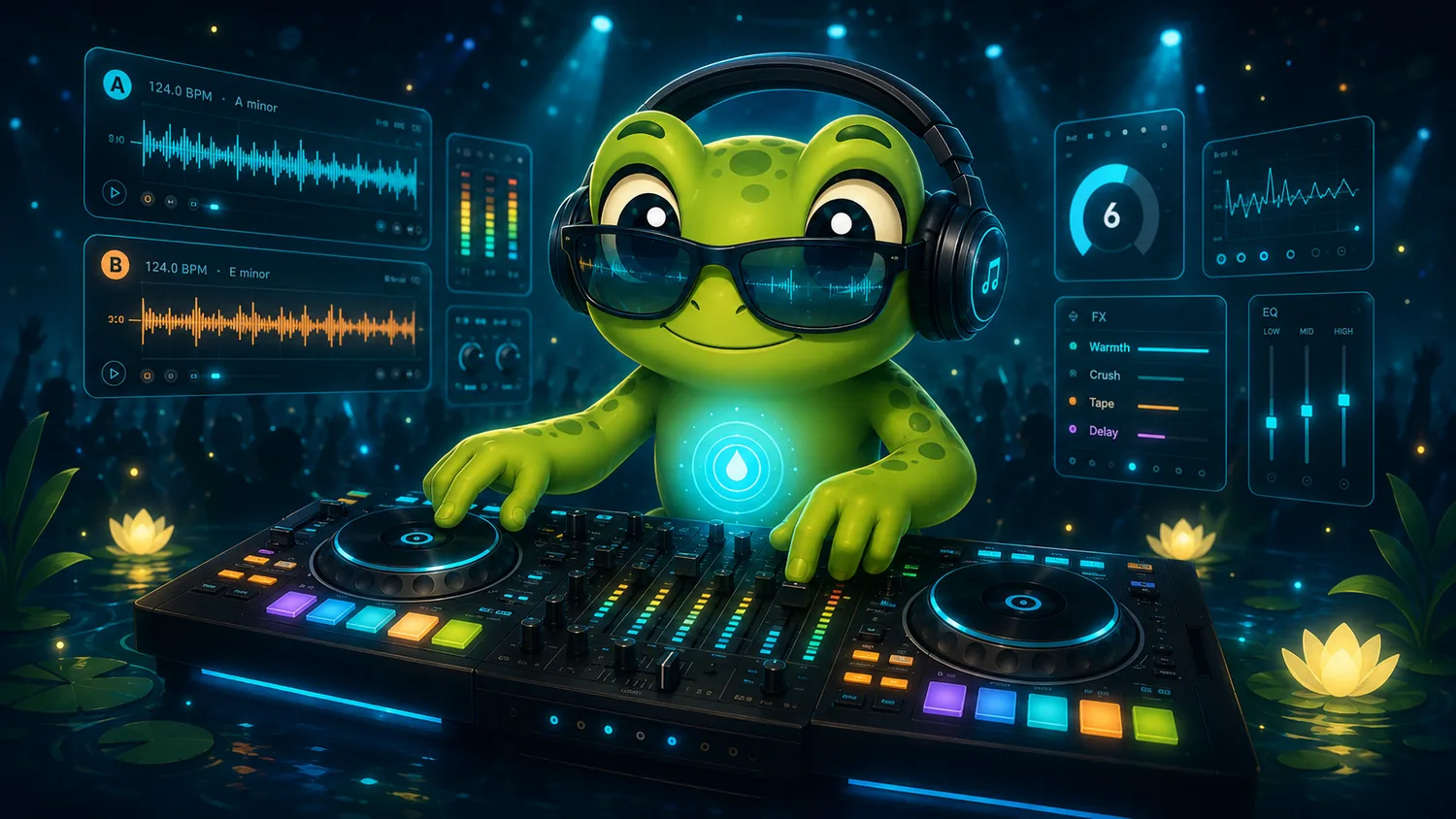
A practical path through the way this mode supports real creators.
Bring in tracks, loops, stems, samples, or project sections.
Analyze BPM, key, energy, cue points, sections, and possible transitions.
Use Decks, pads, loops, scenes, stem mutes, crossfader, FX, and controller mappings.
Use performance-safe mode and record the set or commit usable performance ideas back into the project.
Connected Features
Each major capability links to its own page with workflow, screenshots, Wibbit assistance, ClearWater, and PondGuard notes.
Perform with deck A/B, cue banks, waveforms, key/BPM awareness, pads, crate browsing, stem controls, and safe live workflows.
Explore this feature →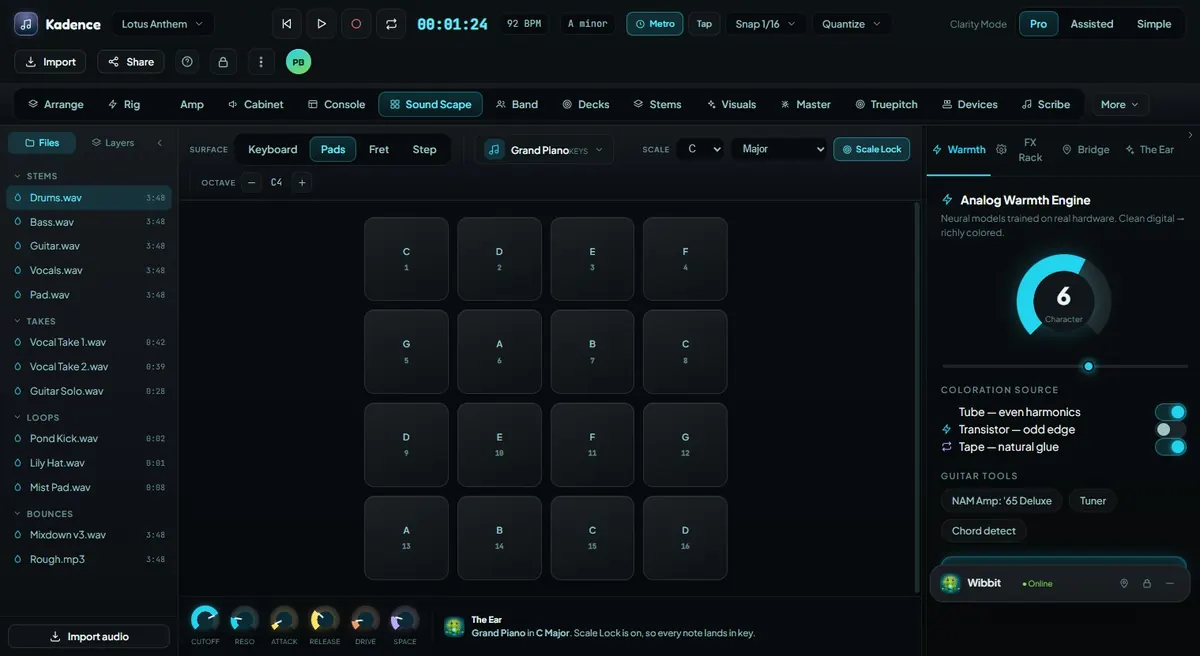
Support loop artists, beatmakers, live remixing, pad modes, samples, scene launch, and repeatable creative motion.
Explore this feature →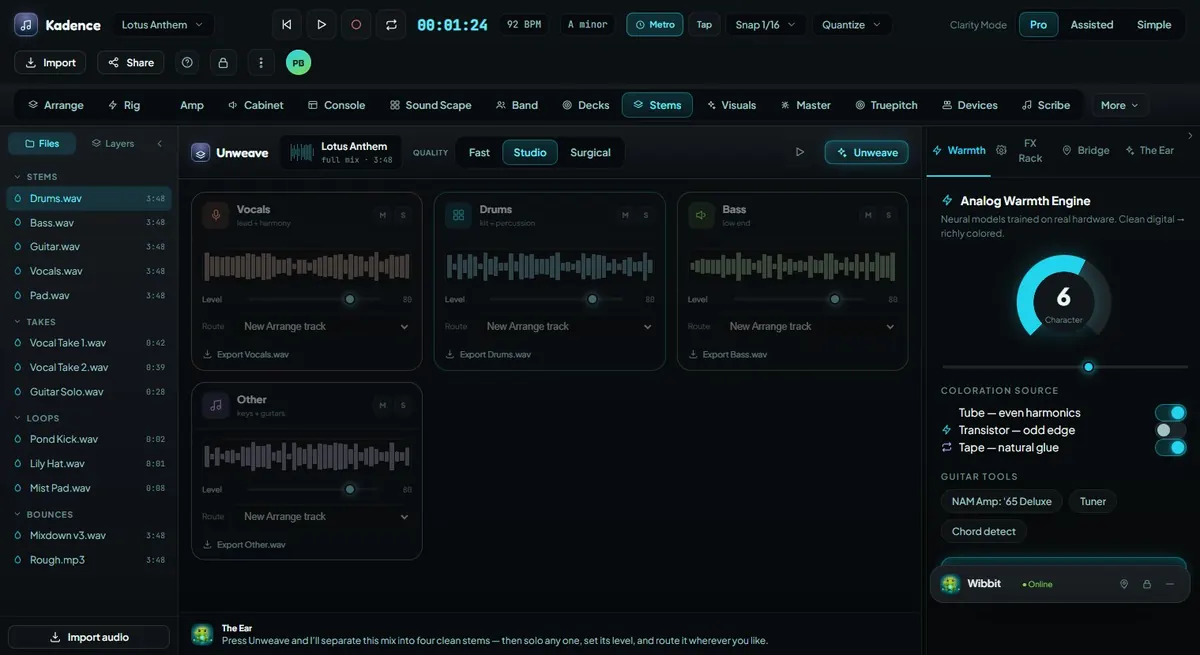
Separate audio into usable parts for remixing, cleanup, live performance, study, rearrangement, and creative control.
Explore this feature →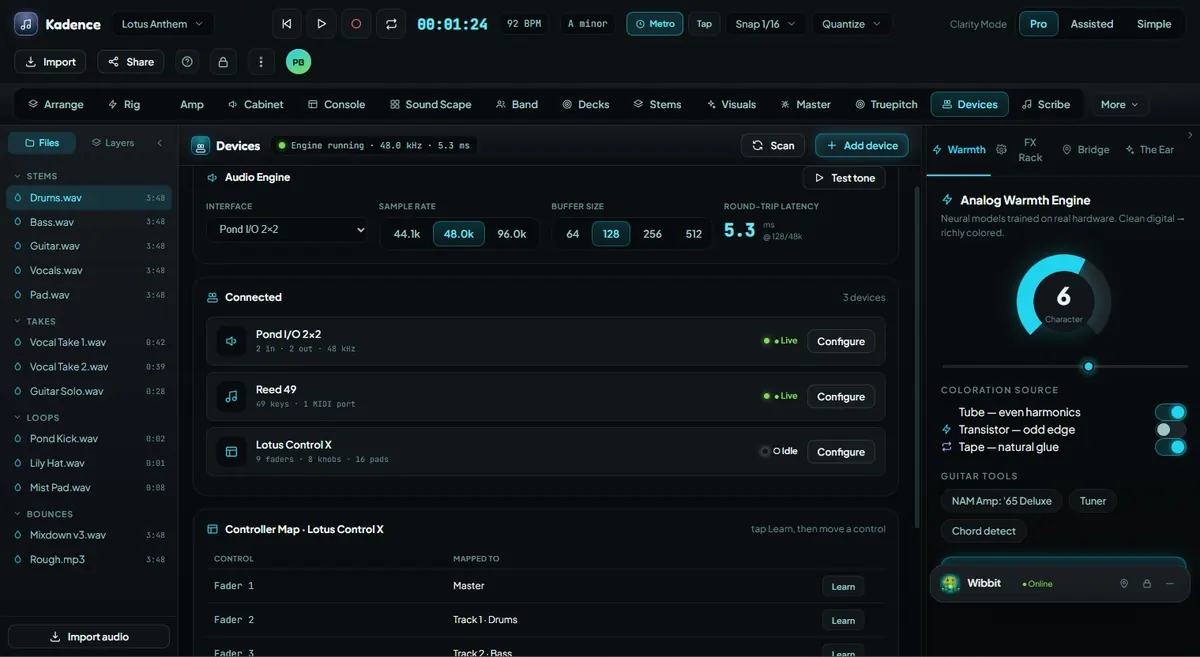
Connect MIDI controllers, mappings, profiles, and hardware-style workflows to Kadence.
Explore this feature →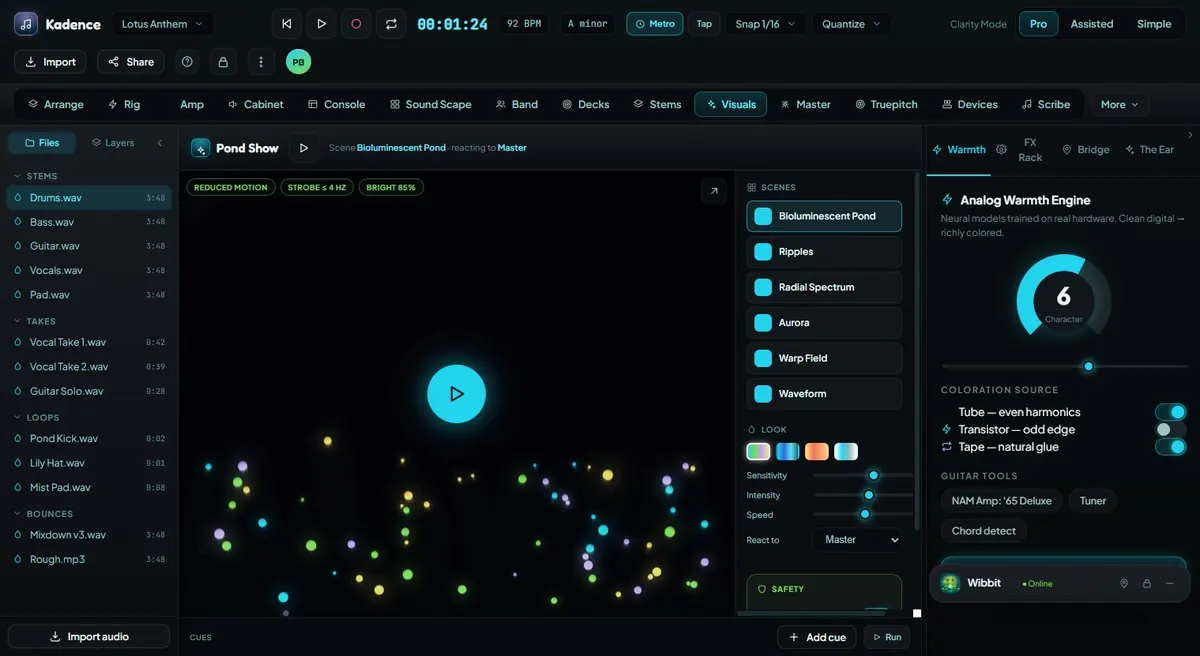
Control audio-reactive visuals, scene pads, cue timelines, MIDI/OSC direction, reduced-motion options, and show safety limits.
Explore this feature →Screenshots
These are pre-release interface previews and may change before public release.