In development
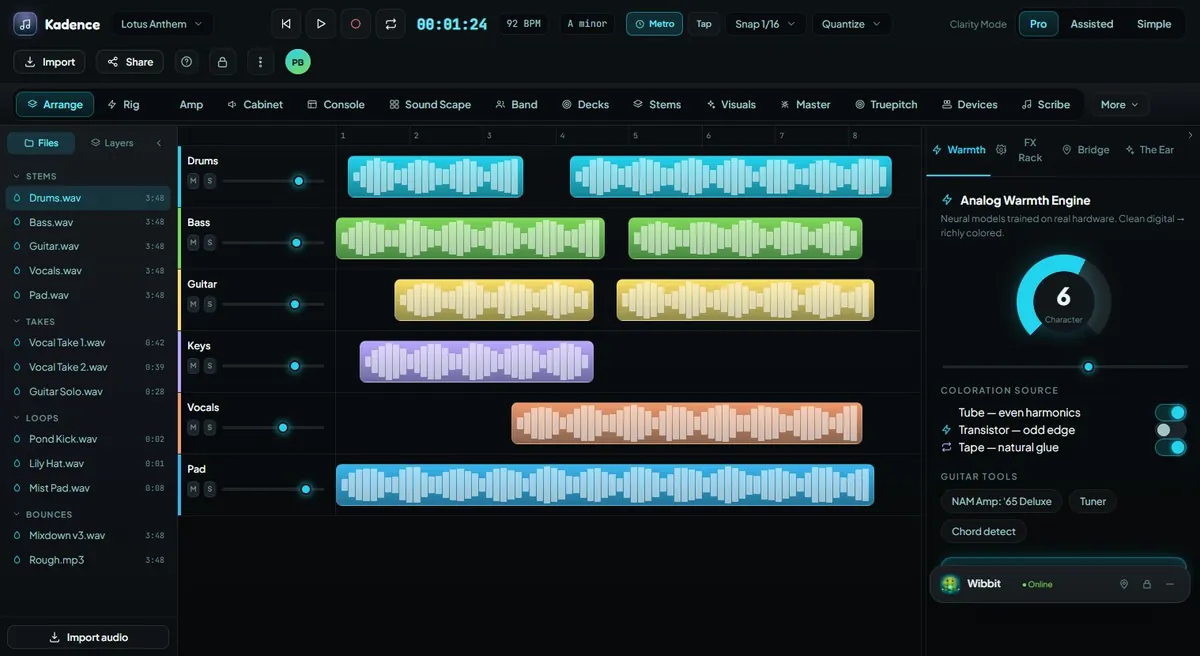
Arrange
Build songs and sessions with sections, markers, tempo/key maps, track layouts, clip lanes, and a structure creators can actually follow.
Explore this feature →Every major capability has a job. Every workspace has a purpose. Every AI-assisted feature should keep the creator in control.
All Features
The goal is not to bolt AI onto music software. The goal is to build a creative system where writing, shaping, mixing, performing, visualizing, and exporting stay connected.
Build songs and sessions with sections, markers, tempo/key maps, track layouts, clip lanes, and a structure creators can actually follow.
Explore this feature →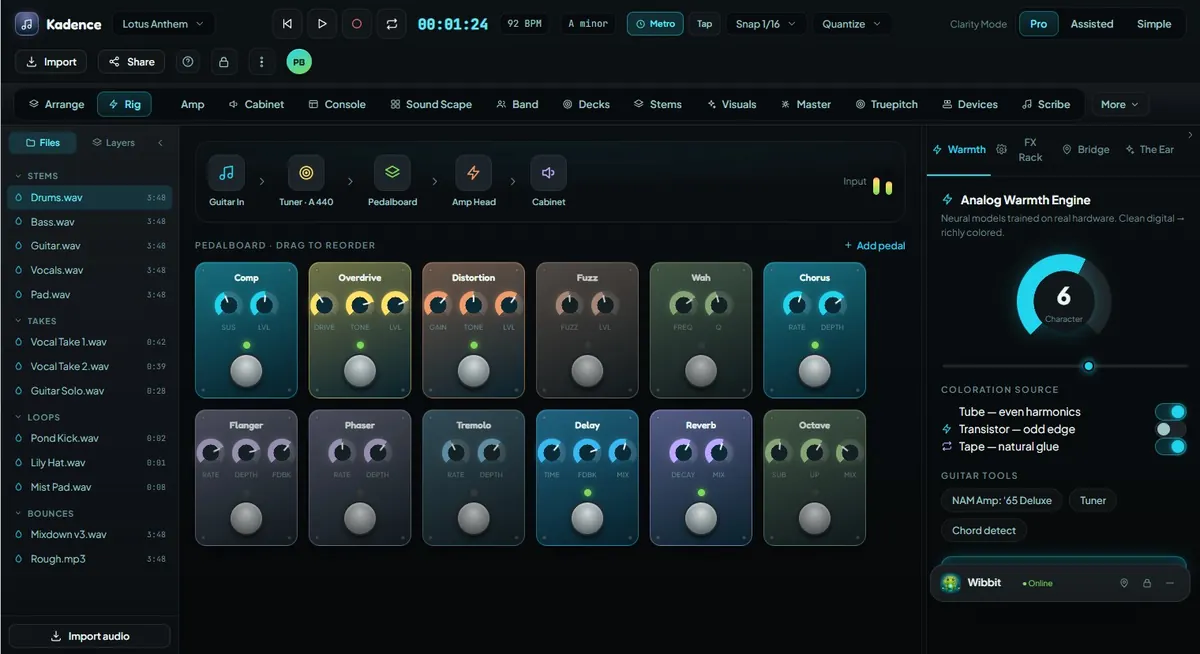
Shape guitar tone with pedal chains, amp-room direction, cabinet workflows, presets, and musician-first signal control.
Explore this feature →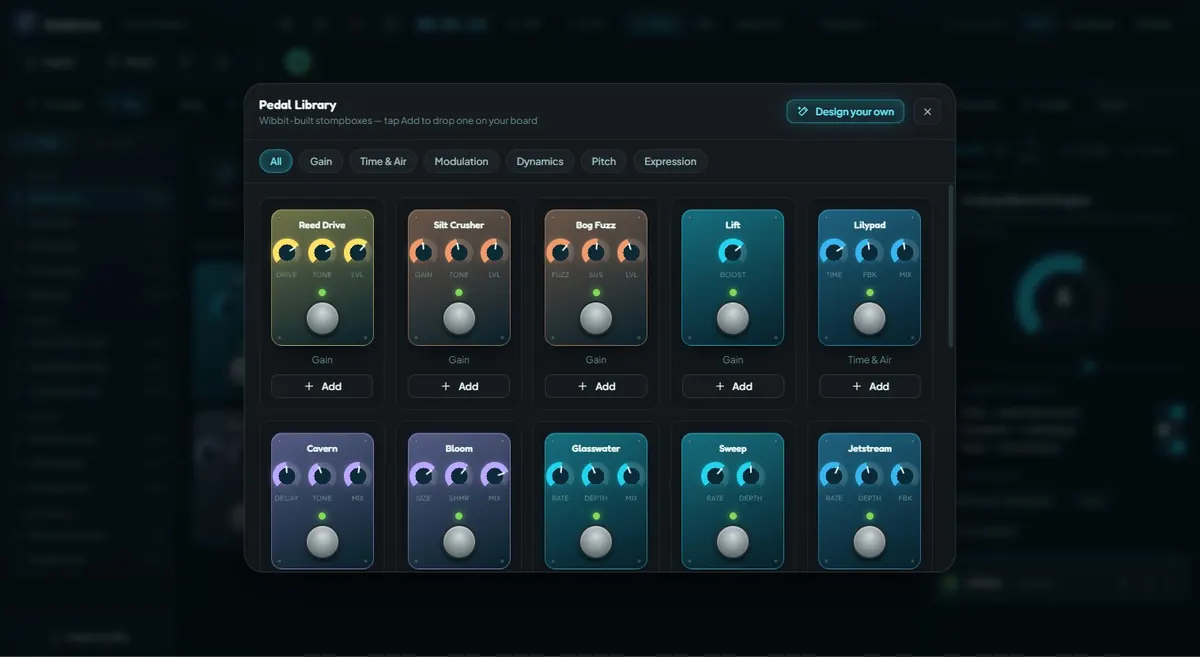
Original Kadence pedals organized by gain, time, modulation, dynamics, tone, pitch, and expression.
Explore this feature →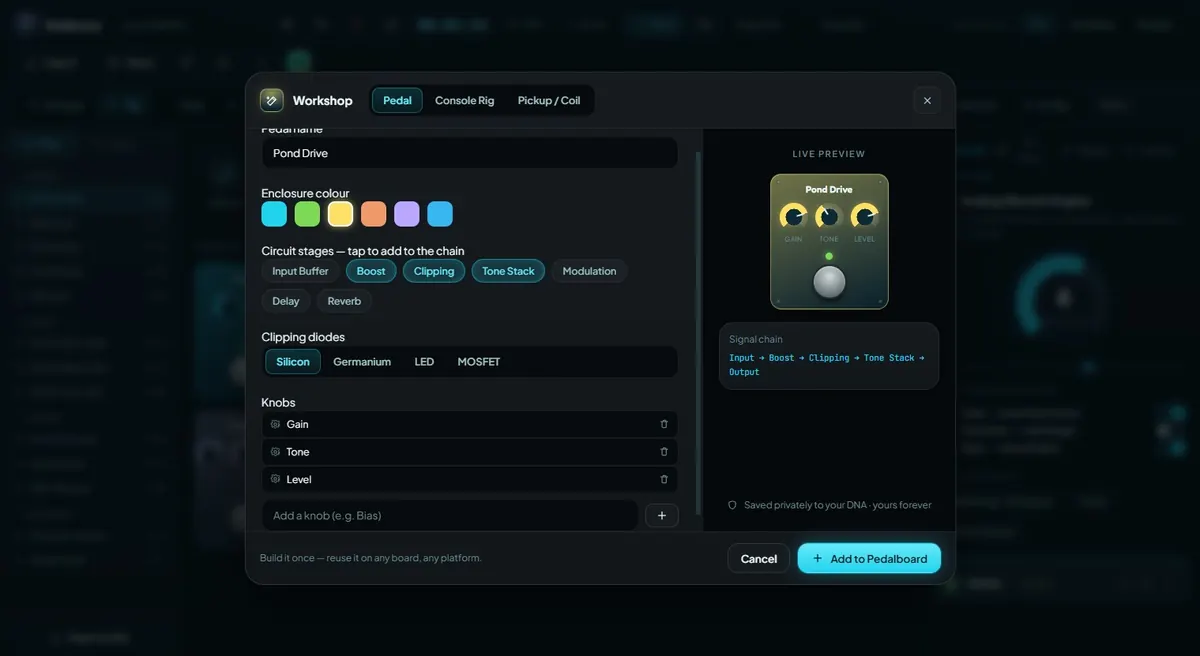
Design custom effects and signal chains with warmth, drive, tone, modulation, dynamics, routing, and presets.
Explore this feature →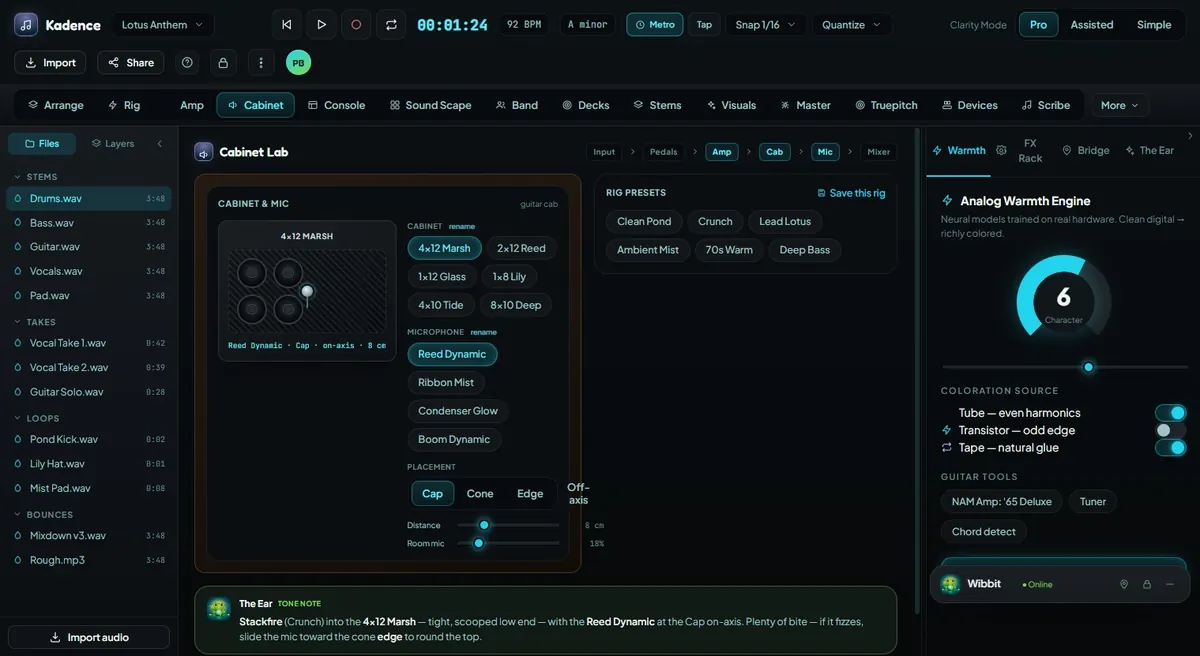
Amp, cabinet, capture-library, and tone-preview direction for realistic guitar and bass workflows.
Explore this feature →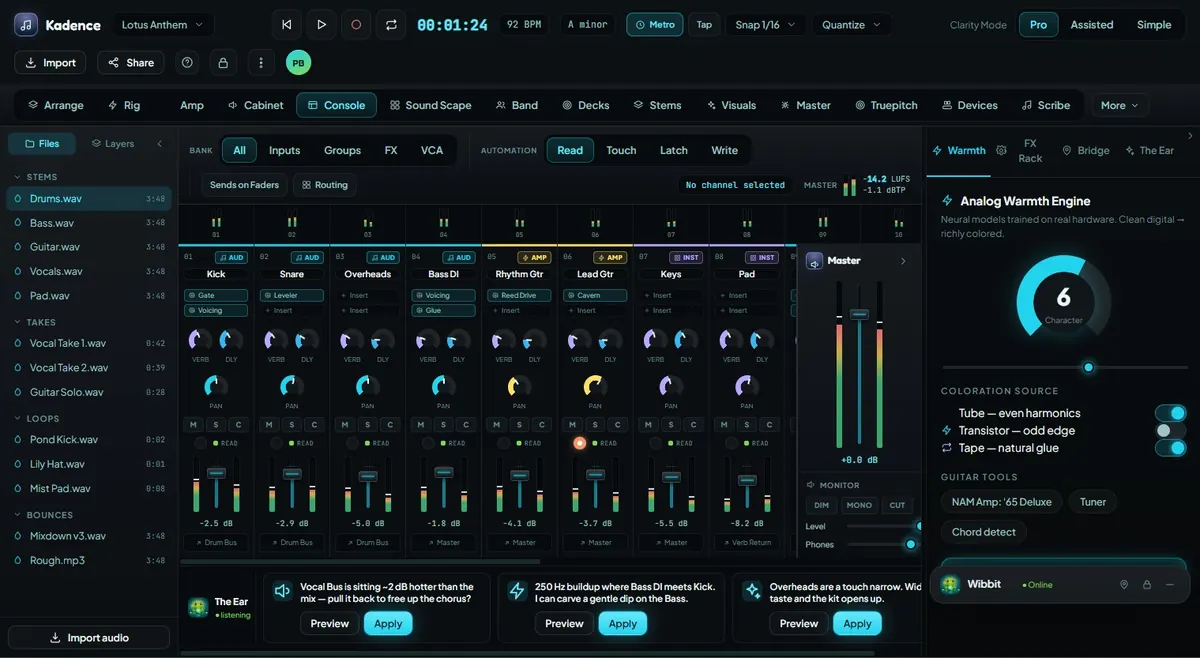
Mix with channel strips, routing, meters, buses, master controls, Wibbit-powered guidance, and visible decision support.
Explore this feature →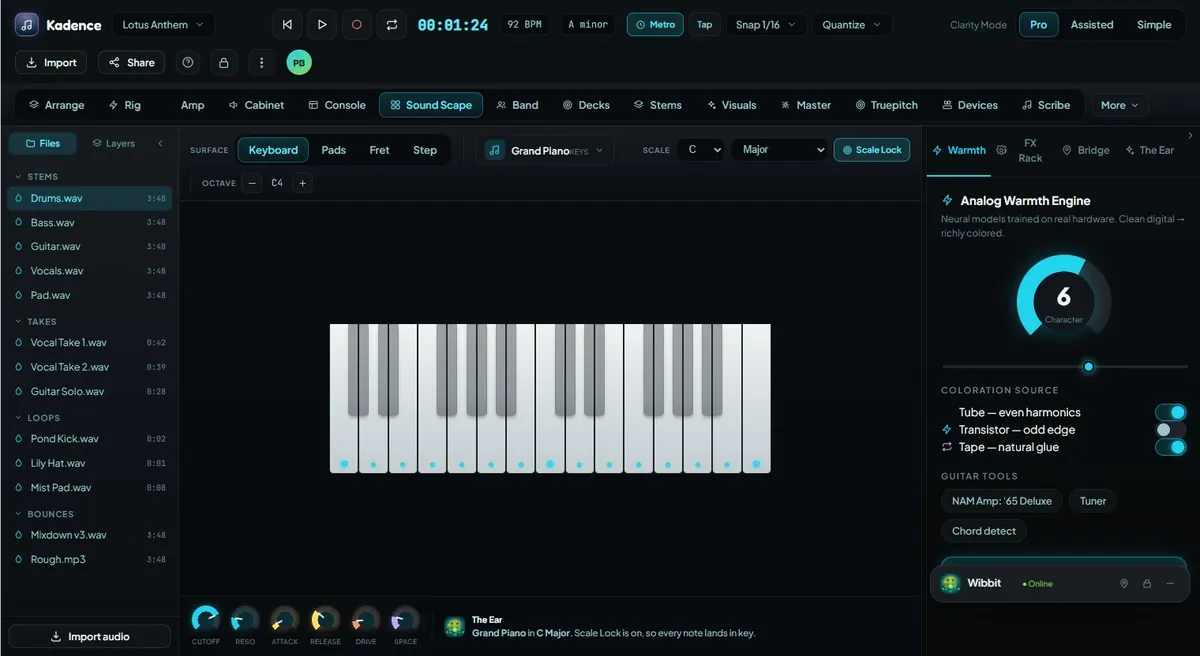
Explore instruments through keyboard, pads, frets, step grid, scale lock, chord help, MIDI mapping, and creative surfaces.
Explore this feature →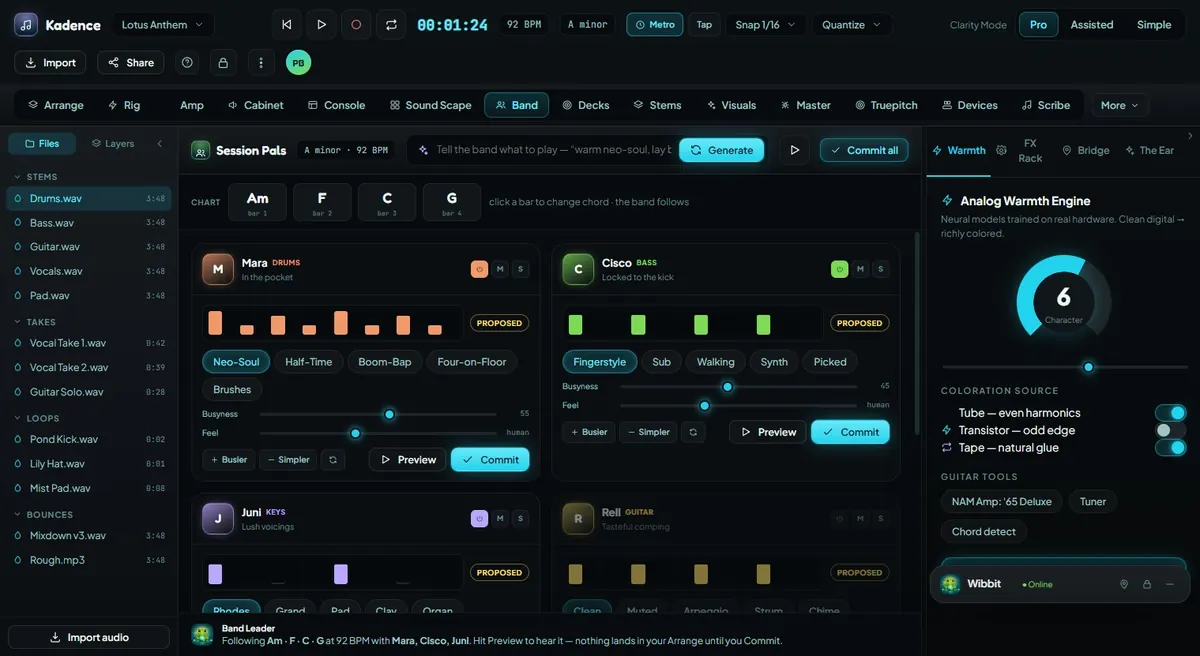
Tasteful AI collaborators who propose parts, audition ideas, follow the song, and let the creator decide what gets committed.
Explore this feature →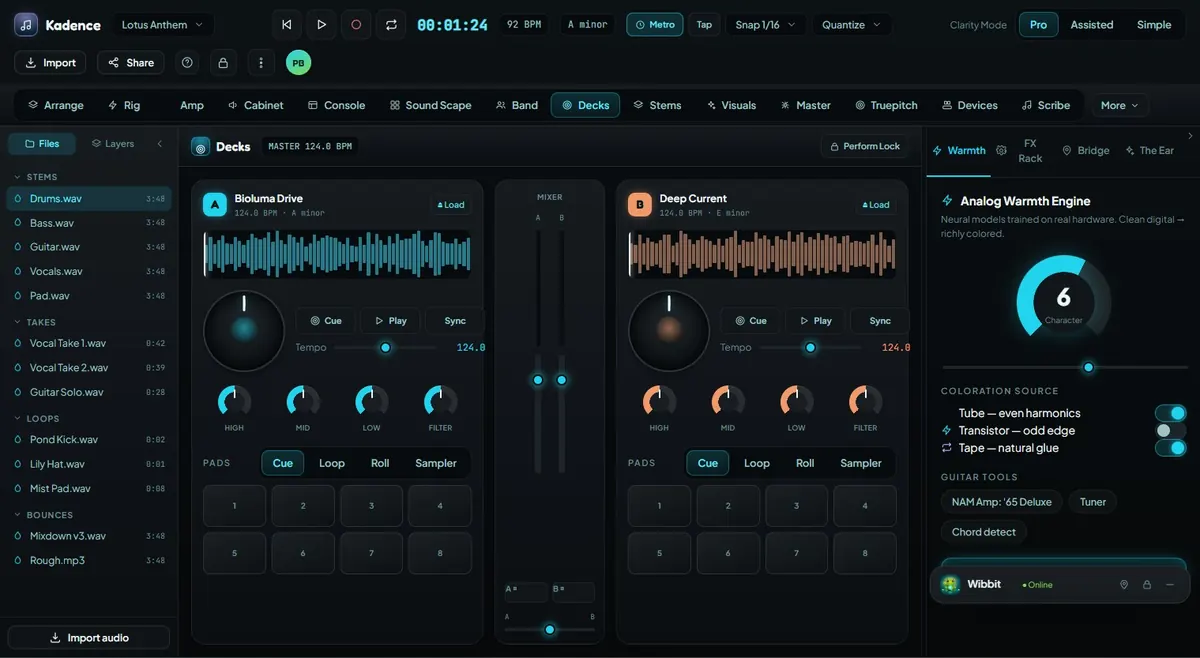
Perform with deck A/B, cue banks, waveforms, key/BPM awareness, pads, crate browsing, stem controls, and safe live workflows.
Explore this feature →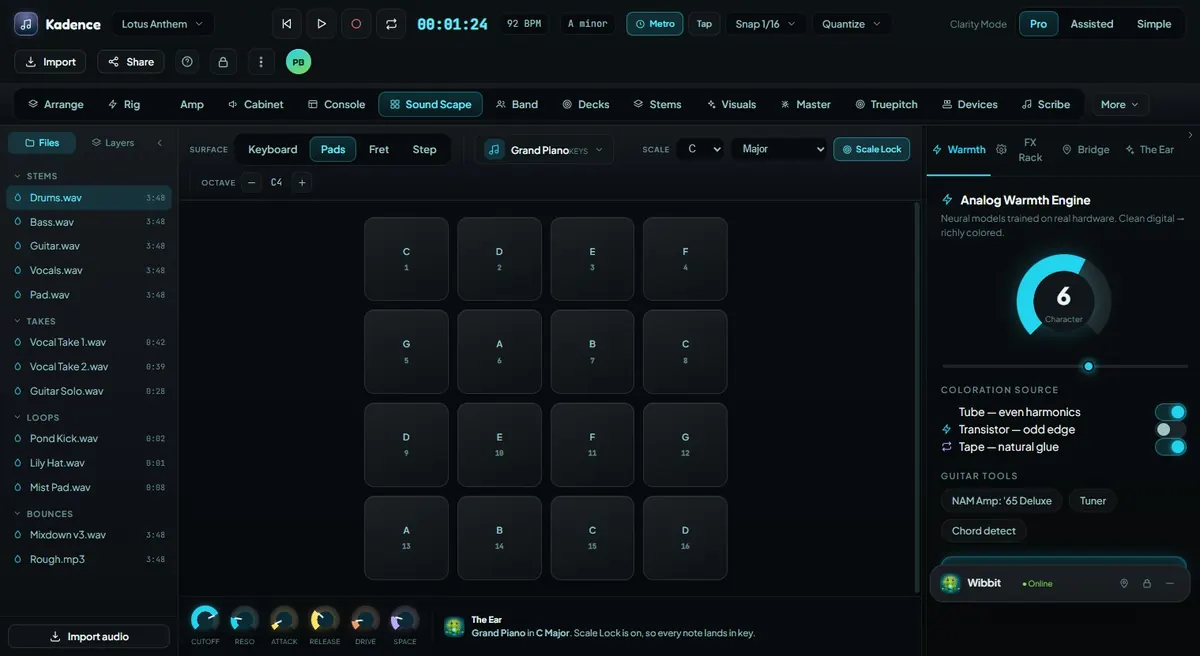
Support loop artists, beatmakers, live remixing, pad modes, samples, scene launch, and repeatable creative motion.
Explore this feature →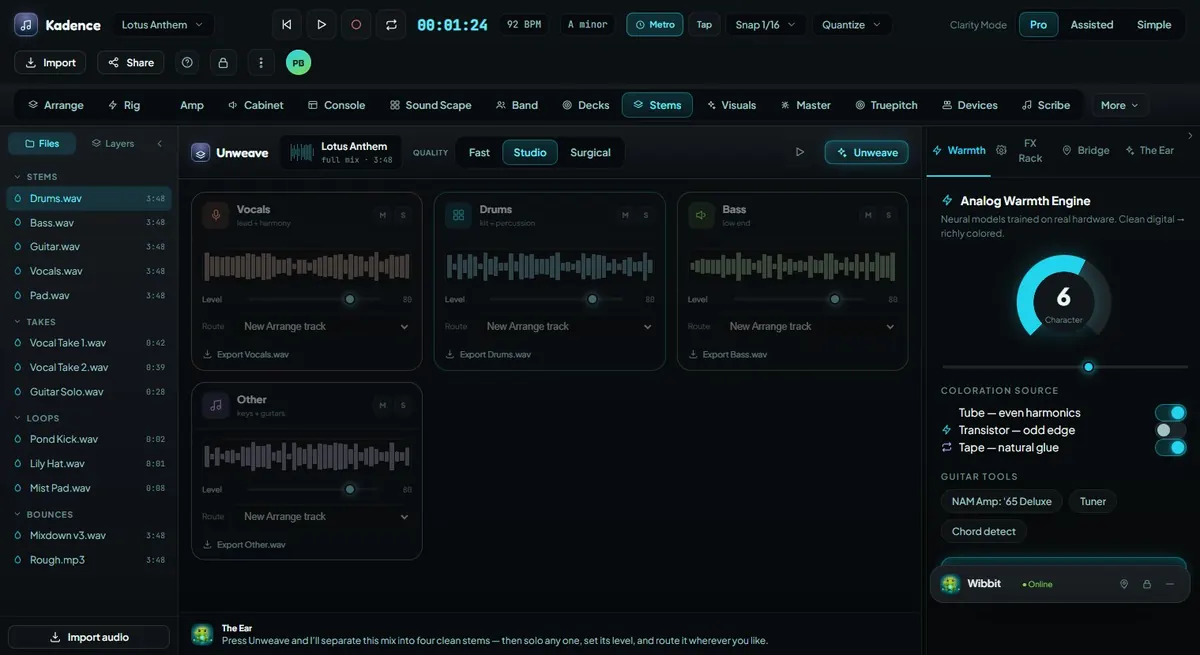
Separate audio into usable parts for remixing, cleanup, live performance, study, rearrangement, and creative control.
Explore this feature →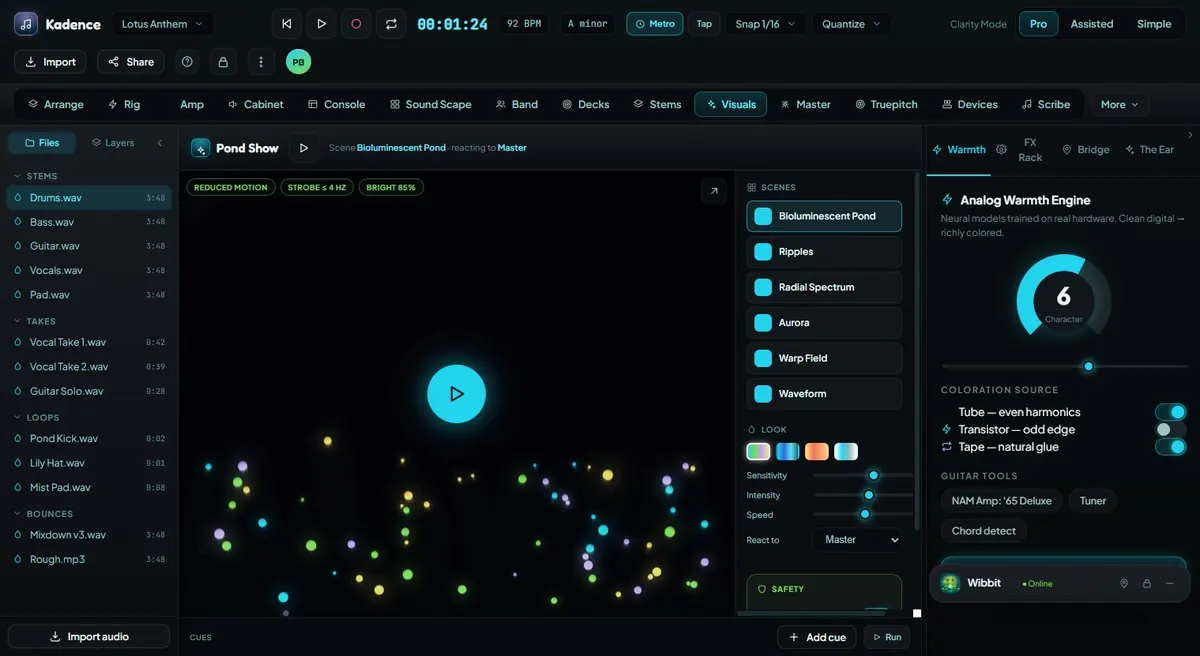
Control audio-reactive visuals, scene pads, cue timelines, MIDI/OSC direction, reduced-motion options, and show safety limits.
Explore this feature →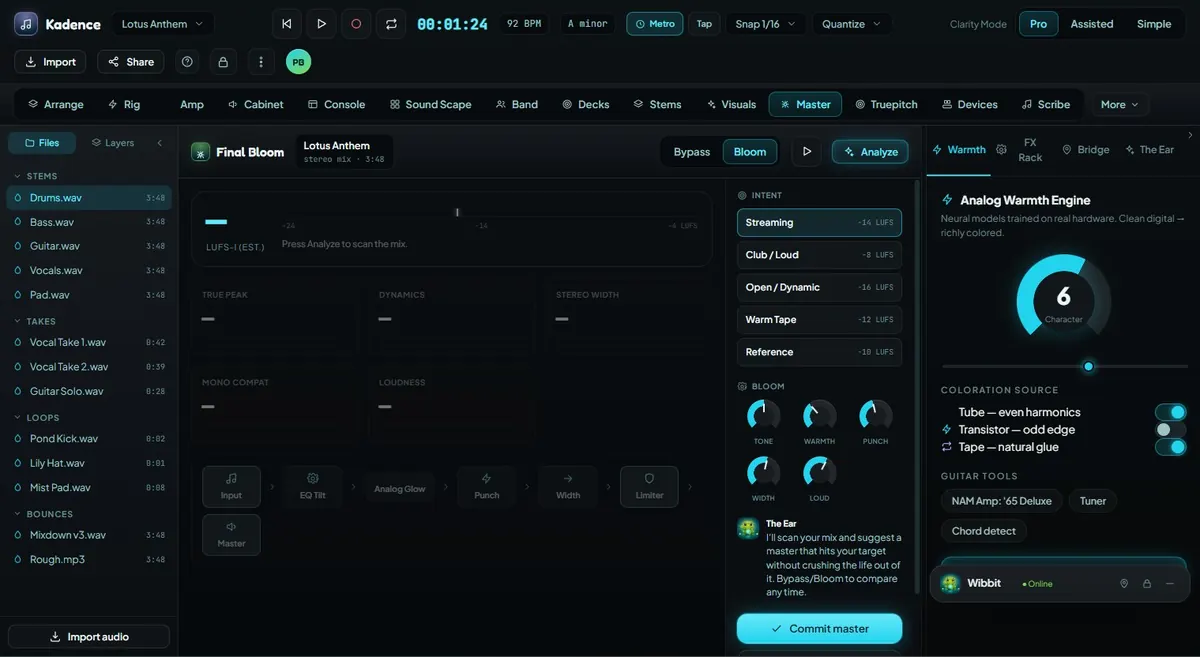
Prepare final polish with mastering plans, bus/track review, loudness direction, export checks, and creator approval.
Explore this feature →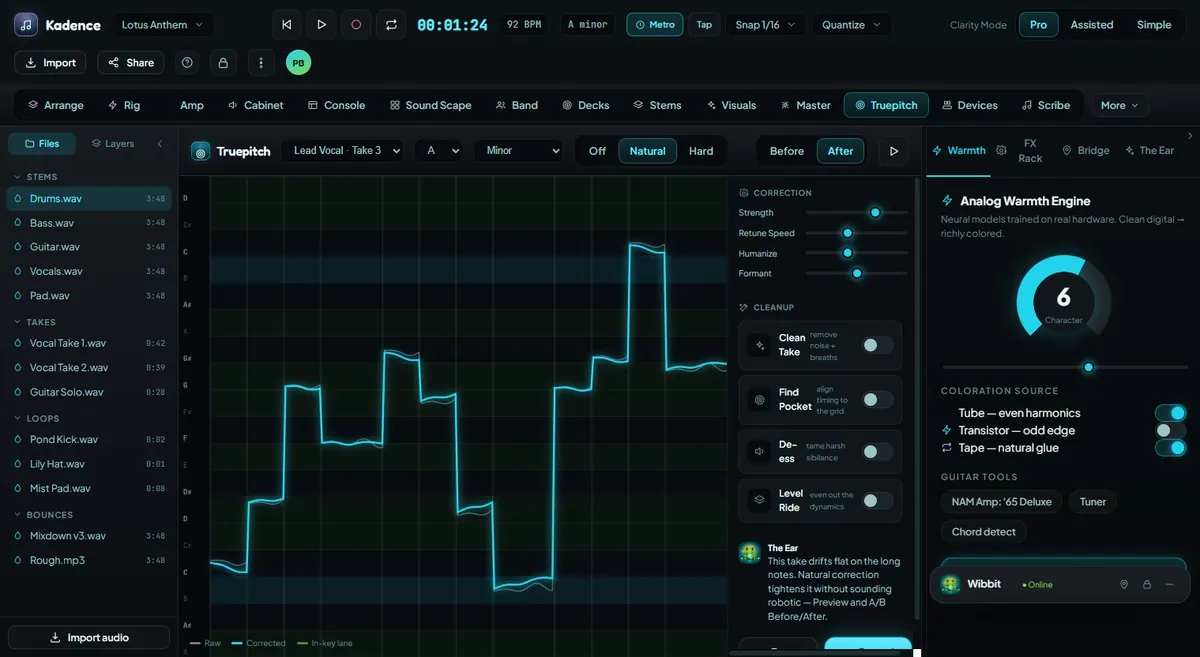
Repair pitch naturally while preserving the emotion, timing, and human character of the original performance.
Explore this feature →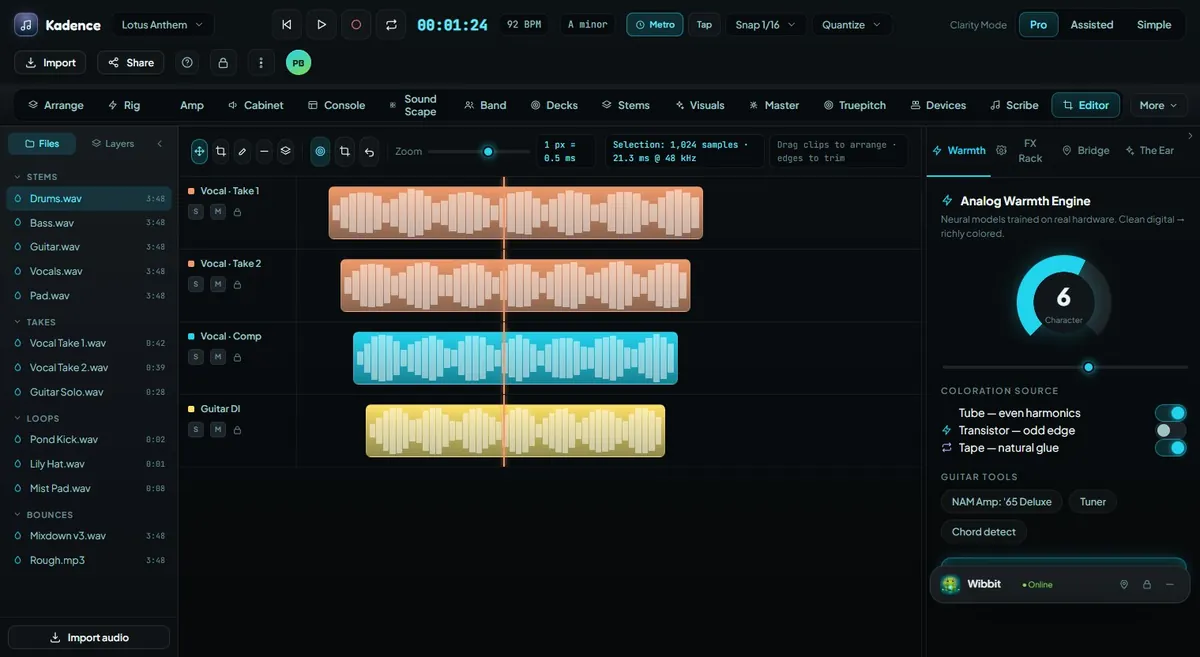
Remove distracting noise, clicks, breaths, and artifacts while keeping the usable performance intact.
Explore this feature →
Adjust timing while preserving groove, emotion, and human feel.
Explore this feature →
Natural-language mixing guidance that helps creators say what they hear and find the right move.
Explore this feature →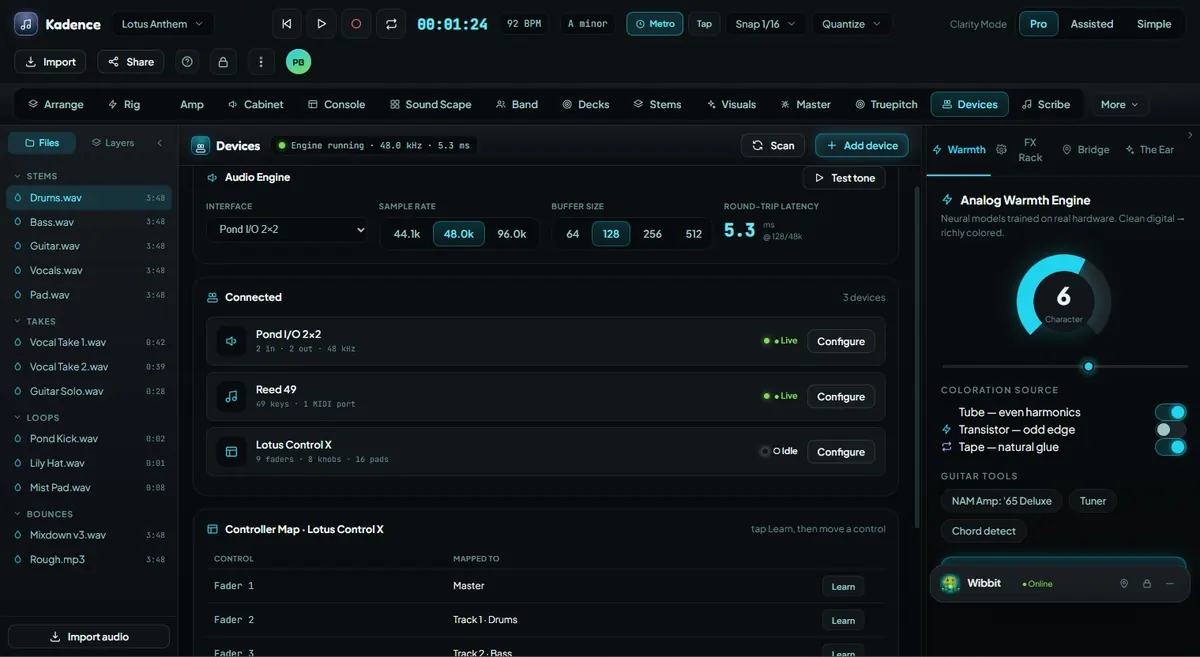
Connect MIDI controllers, mappings, profiles, and hardware-style workflows to Kadence.
Explore this feature →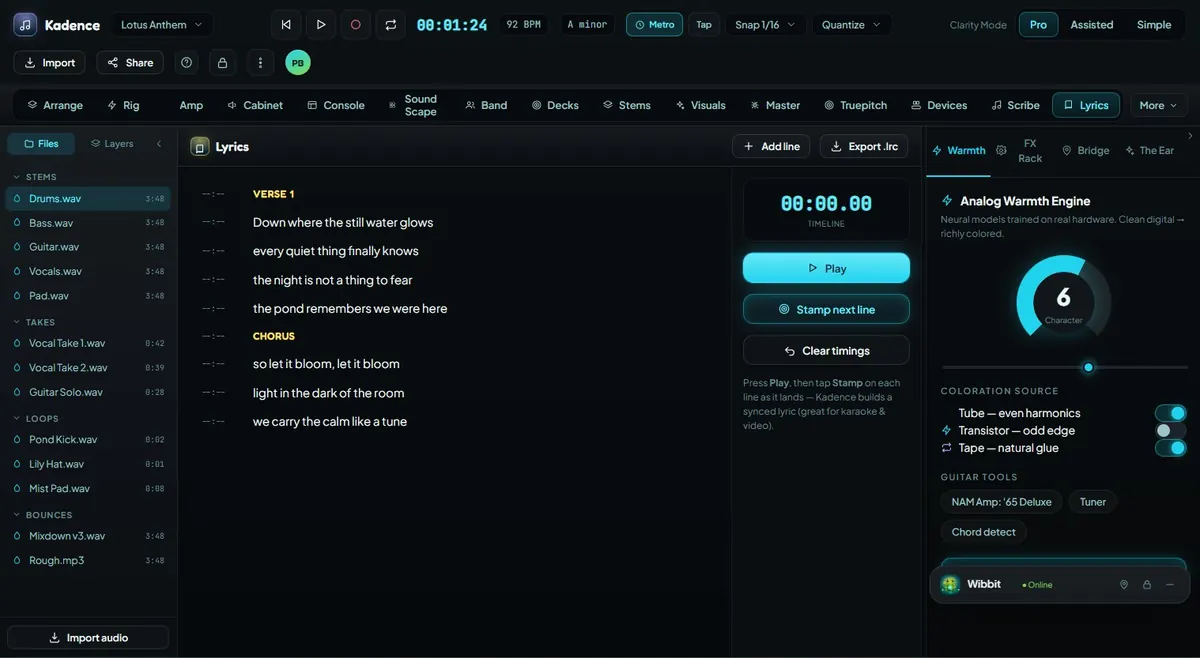
Keep lyrics, notes, transcription, vocal guide ideas, and song documentation connected to the project.
Explore this feature →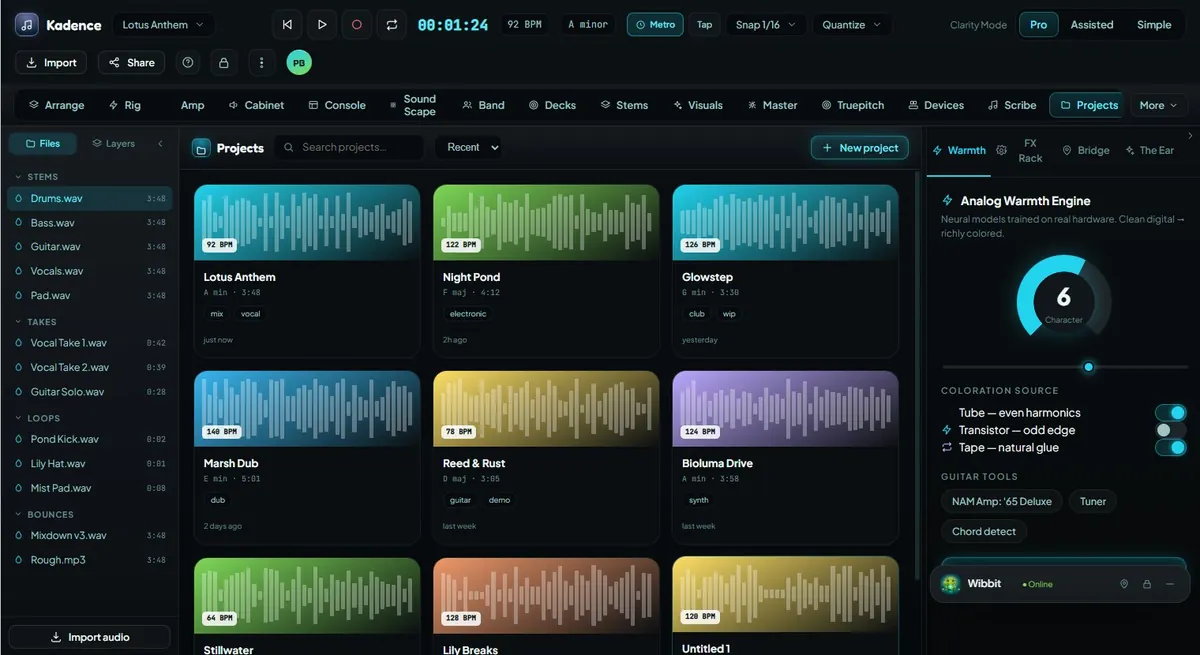
Organize projects with folders, assets, activity history, searchable indexes, imports, exports, and future release packages.
Explore this feature →